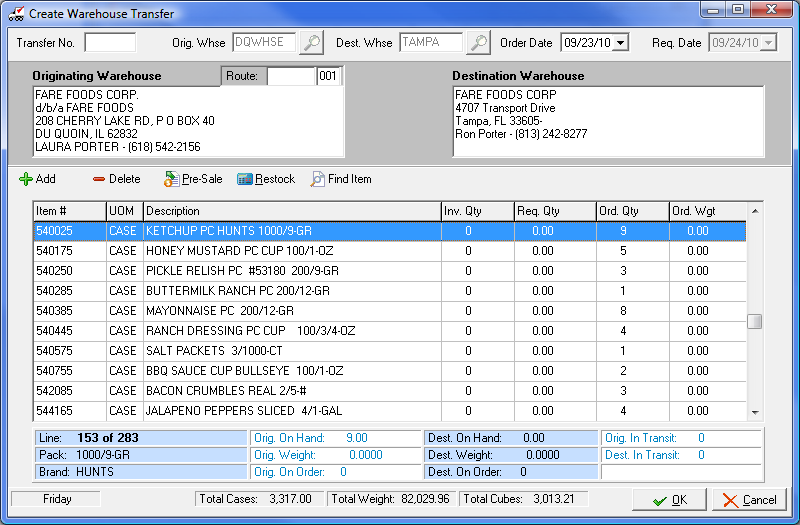
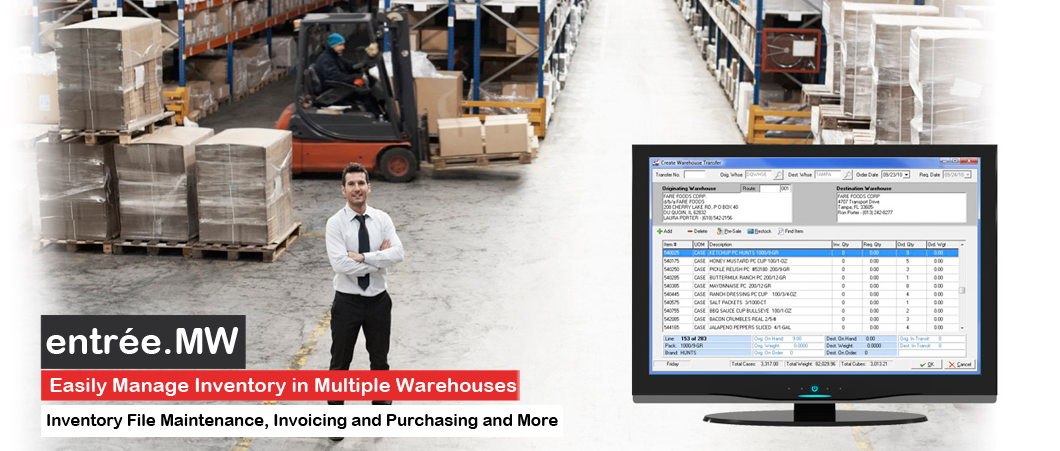

The entrée.MW software module provides the organization and tracking you need when dealing with different warehouse locations.
You can define an unlimited number of warehouses, with each warehouse having its own unique bin location assigned.
You will always know exactly your:
Produce the documentation you need to transfer inventory, including Transfer Pull Sheets.
When creating purchase orders, you can breakdown your order and specify which warehouse should receive what specific quantity.
When creating invoices, the entrée.MW system can automatically determine the closest warehouse to pull from, or specify if a product should be shipped from a different warehouse.
To view specific features that this product offers, please click here.
Version 3.6.16Date: 12/13/2012 Click here to download the PDF!Feature Flash Summary:The purpose of this catalog is to reveal all the previously “hidden” abilities of entrée, so that you can review them and see if of these modifications would be beneficial for your food distribution operation. The “modification number”, keywords and modification descriptions for over 1,100 custom modifications are provided here. The modifications cover everything up through version 3.6.16. To provide a better understanding of these modifications images and related links have been included with their descriptions. |
|
Version 1.0Date: 08/28/2012 Click here to download the PDF!Feature Flash Summary:The entrée.MW software module provides the organization and tracking you need when dealing with different warehouse locations. You can define an unlimited number of warehouses, with each warehouse having its own unique bin location assigned. You will always know exactly your: Physical inventory per warehouse. Warehouse locations for a specific line item. In-Transit inventory being moved between your warehouses. En route inventory due into each warehouse from your vendors. Produce the documentation you need to transfer inventory, including Transfer Pull Sheets. When creating purchase orders, you can breakdown your order and specify which warehouse should receive what specific quantity. When creating invoices, the entrée.MW system can automatically determine the closest warehouse to pull from, or specify if product should be shipped from a different warehouse(s). |
|
Version 3.6.8aDate: 04/04/2012 Click here to download the PDF!Feature Flash Summary:entrée Version 3.6.8 - System Option to Send Email Using SSL Encrypted Servers. Inventory Kits Tab “Copy Item” button Copies Ingredients List. Brand Maintenance “Internet Image Search” Button Added for EOP and entrée.NET. entrée.DOC - "Scan Loading Sheets" Dialog Compatible with Windows Font Scaling on Computers with Vista and Windows 7. entrée.QB - entrée Close Purchase Order Procedure Can Post to entrée.QB Accounts Payable. entrée.MW - Transfer / Save Processes Display Progress Bar. Save Process Hides “OK” Button. Order Guide Mode “Escape” Button Change. entrée.NET version 3.3.5 & Electronic Order Pad Features - System Option to Display Manufacturer’s Item Numbers. New Catalog Item# Tab Lists All Items & Disables Grouping. Support for Matrix Code Pricing. entrée Data Export to entrée.NET Supports Matrix Code Pricing. |
|